Altify Relationship SDO
Altify Relationship Map SDO
Altify Relationship Maps application (fully native in Salesforce and available in Aloha and Lightning) helps sales teams navigate contacts, hierarchies, and relationships to identify decision makers. Build support and influence with the people that matter, and provide insights and buyer-specific guidance to coach your team.
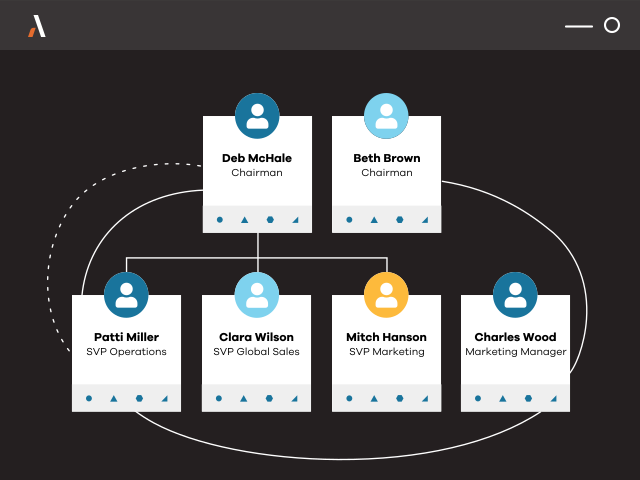
The Altify SDO solution will enable you to install Relationship Maps in less than 5 minutes!
Installation Instructions:
When prompted, enter the password: asH82Bfs7F%
Click below for a quick guide showing you how to install and run the Altify SDO configuration.
How to Demo:
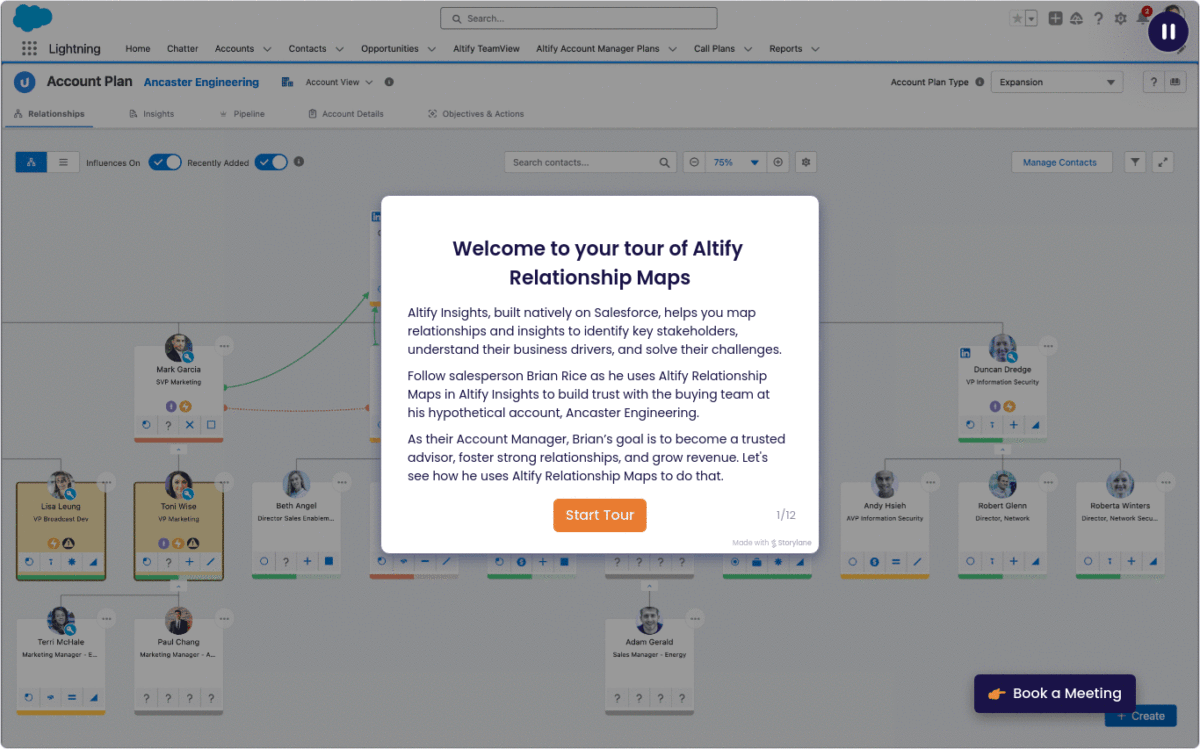
We have created this interactive walkthrough to guide you on how to demo Altify Relationship Maps.
Click here, or the image below, to access the interactive demo.
Note on Demo Data
The following account and contacts are delivered with the SDO for demo purposes. Do not delete these records. You can rename and edit them as required.
Account: Omega, Inc. (External ID: Account.001)
Contacts: Chris Post (Ext ID: Contact.095), Bob Hodges (Ext ID: Contact.004), Mark Kingston (Ext ID: Contact.002), Lauren Bailey (Ext ID: Contact.001), Jeff Kane (Ext ID: Contact.015) and James Wu (Ext ID: Contact.003),
Carol Tezak – (Ext ID: Contact.117), Oscar Tran – (Ext ID: Contact.118), and Melanie Lexington – (Ext ID: Contact.119).
Additional Resources
If you want to promote the application to your customers, here are a few resources to share:
> Download Datasheet
> Relationship Map – AppExchange Listing